Online Registration
Athol Royalston Regional School District has rolled out the ability to register new students online! The Follett Aspen Go app is now available in the app store and is the recommended way to access your aspen account from a mobile device.


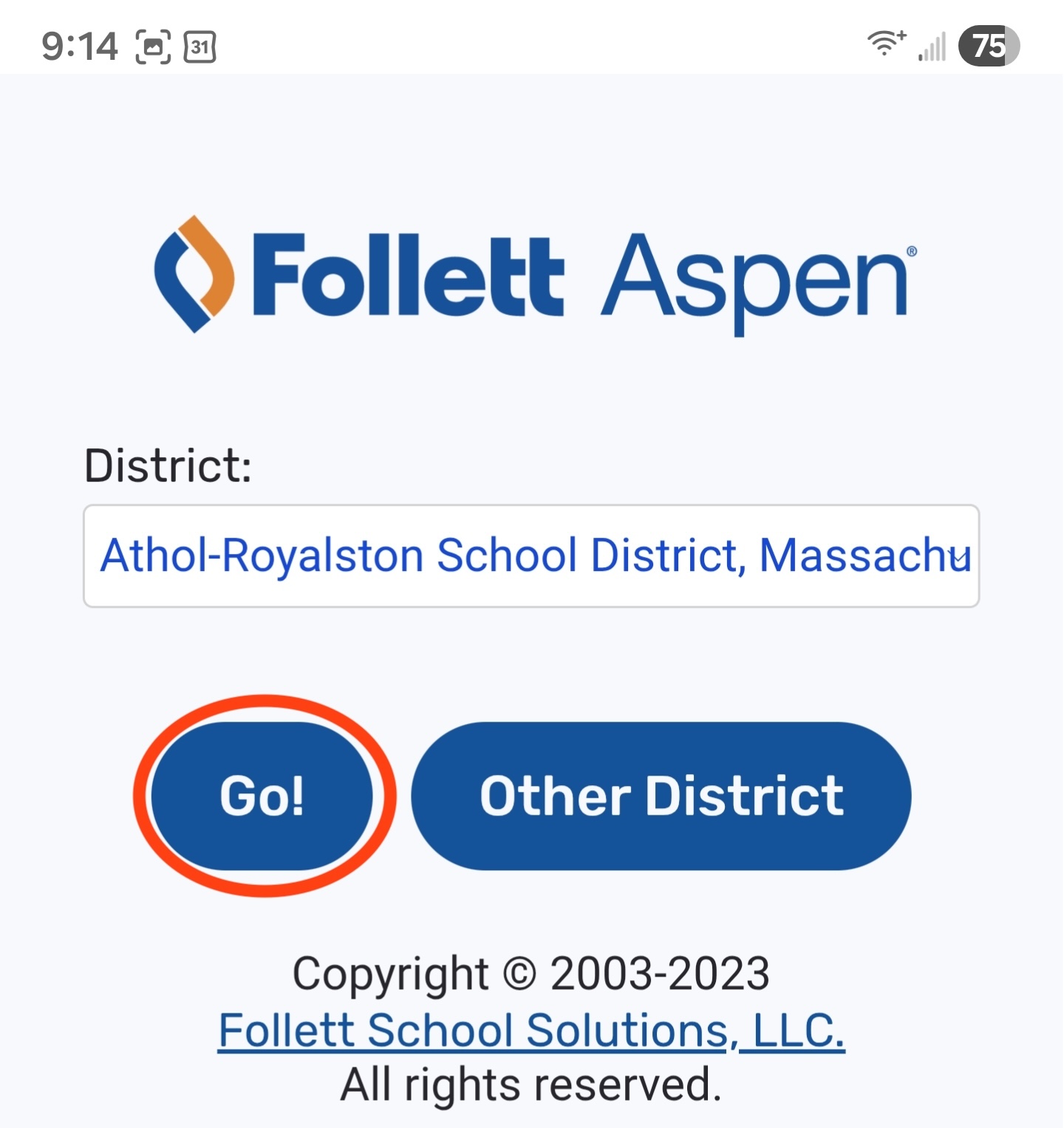
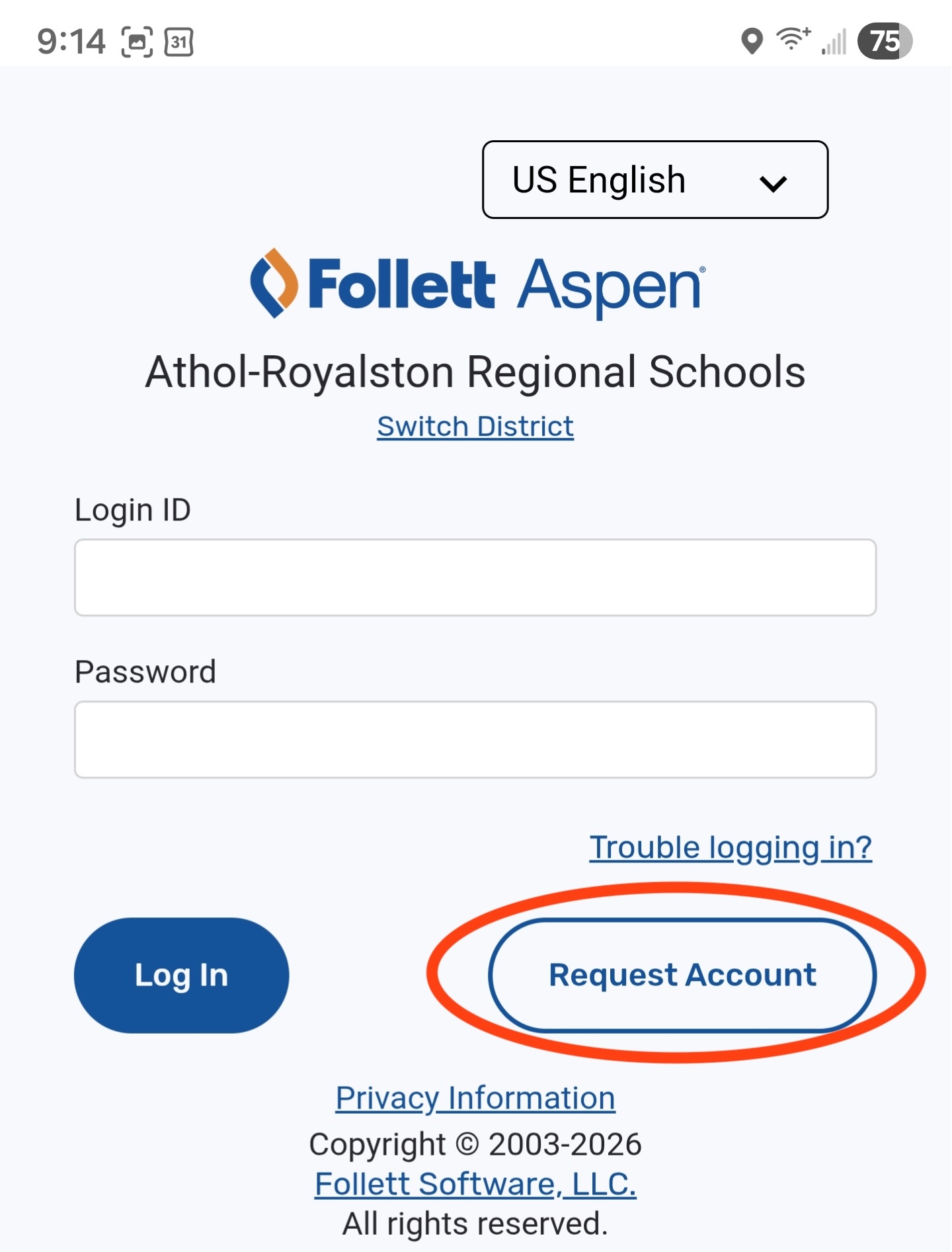
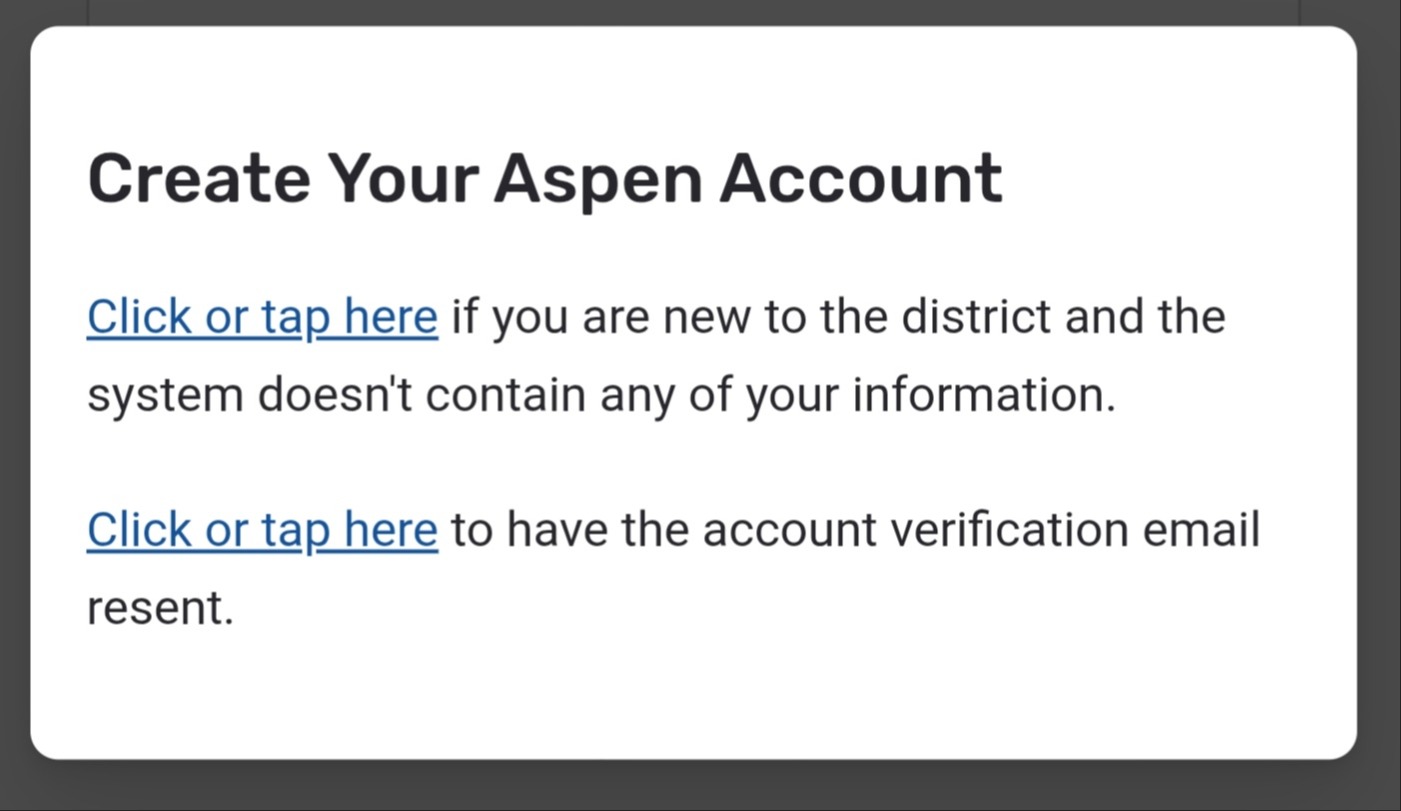
Open the app, select the Athol-Royalston School District and sign in to your account. If you do not have an Aspen account or do not remember the credentials you can use the "Request Account" button on the login screen and select the option that pertains to you. The Aspen desktop site will remain the best way to access it from your computer.
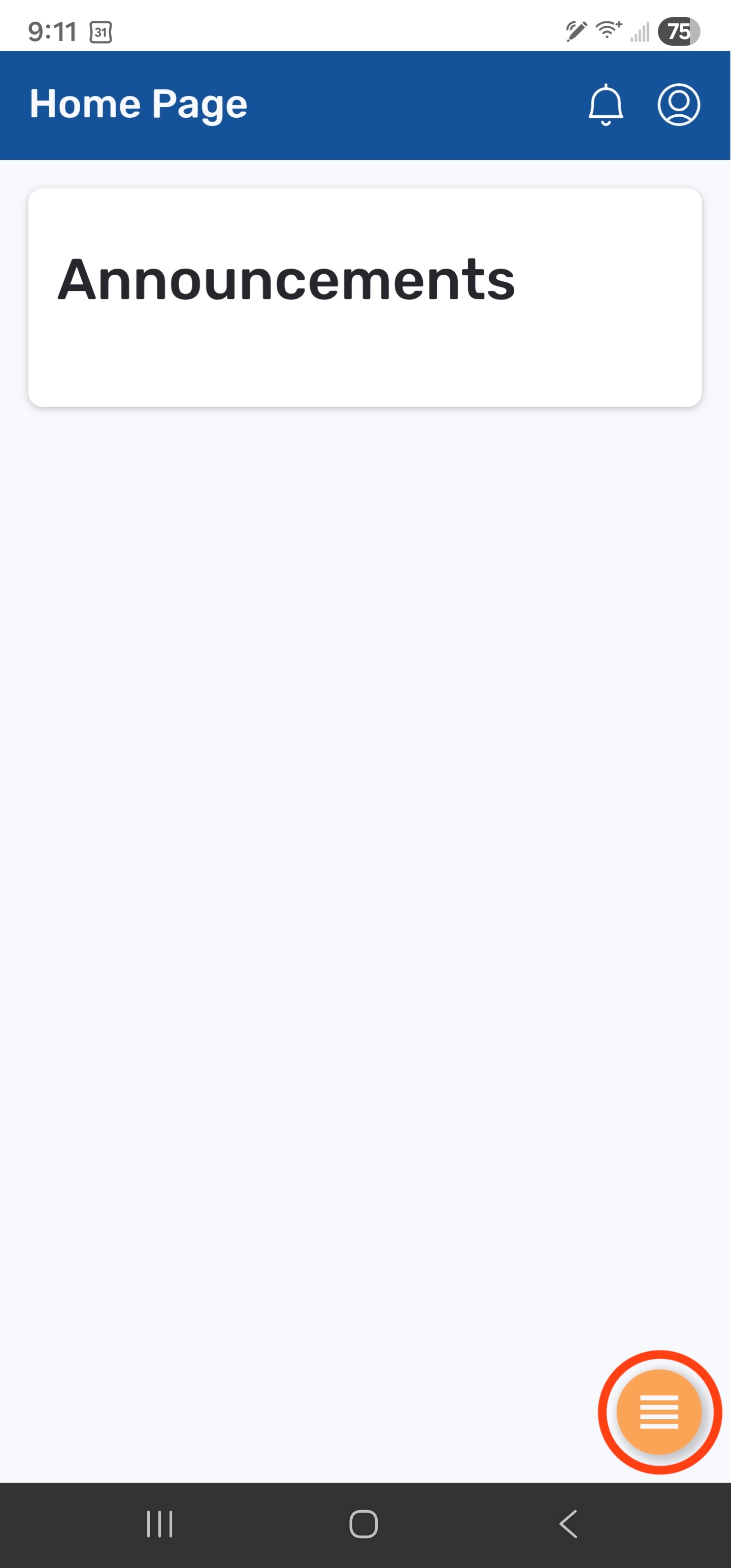
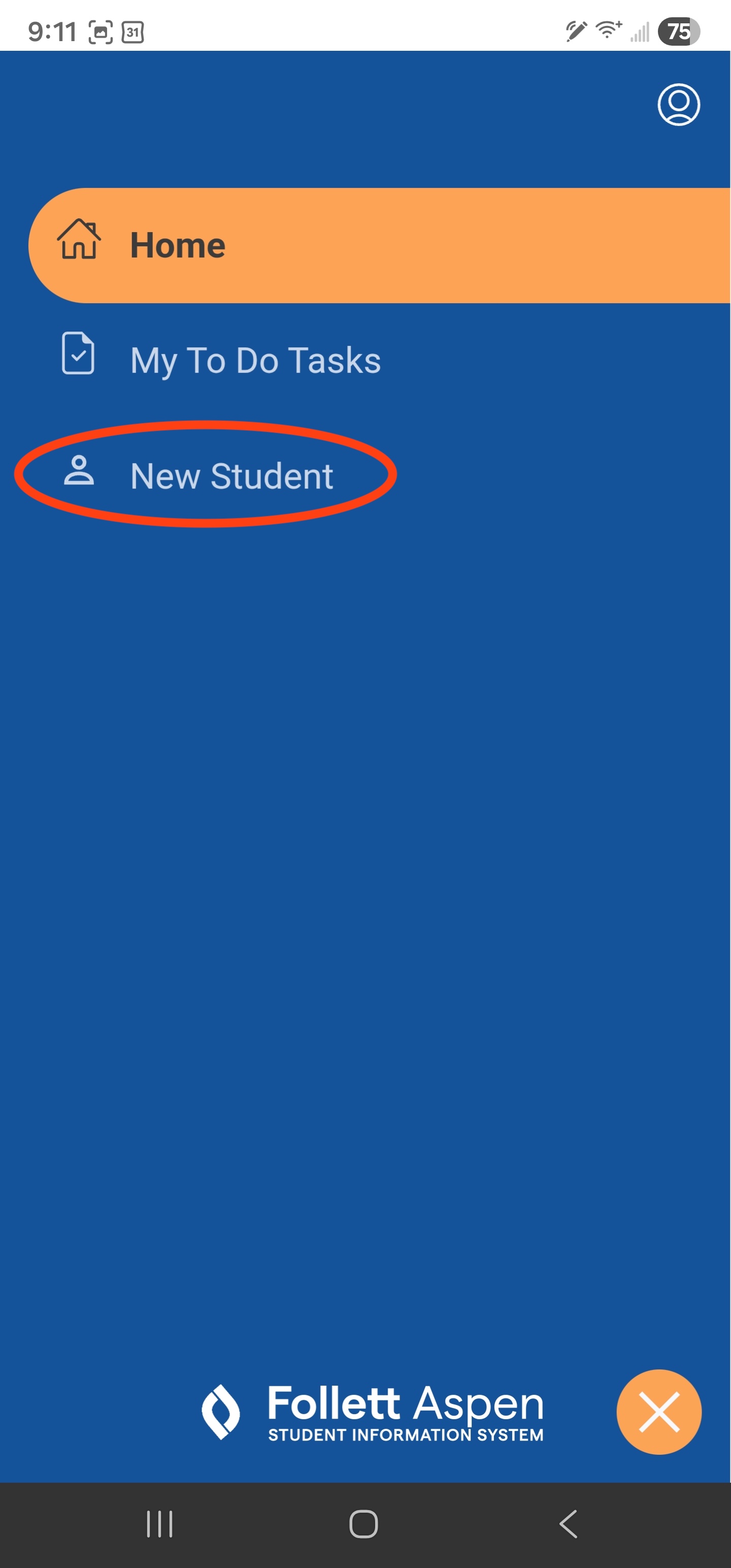
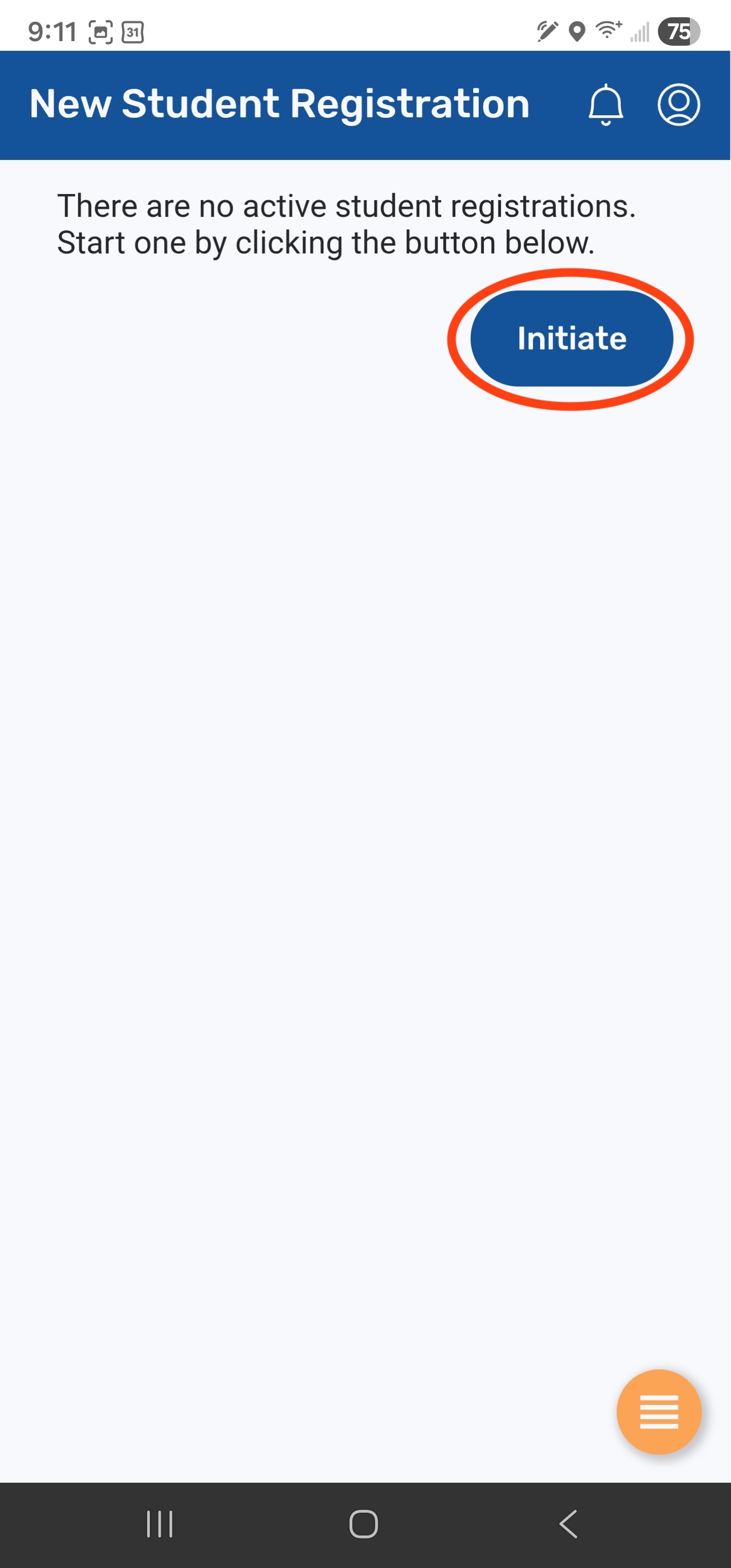
Once you are logged on and on the Home Page, click on the navigation menu in the bottom right hand corner of the screen (see screenshot #1 below). From this menu click on the "New Student" option (see screenshot #2 below). This will bring you to the "New Student Registration" application where you can click "Initiate" to begin the registration form (see screenshot #3 below).
If you have any issues with the login or registration process please reach out to family-portal@arrsd.org and welcome to the Athol Royalston Regional School District.